
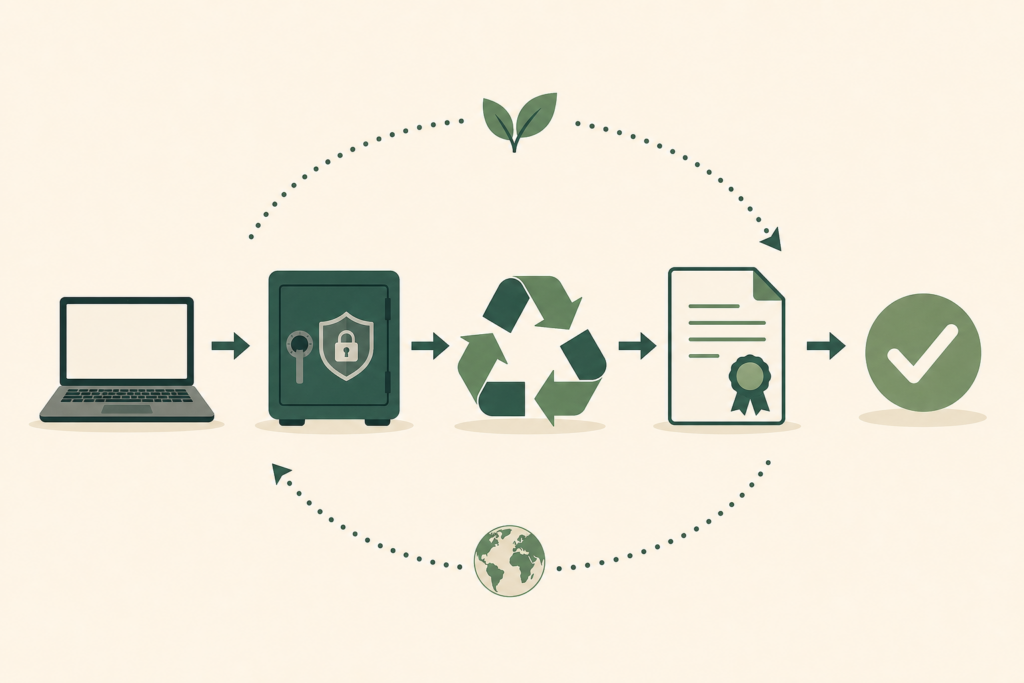
Clearing Out Old Monitors and Office IT? Here's How to Do It Right
Got old monitors, keyboards, printers or a whole office of retired kit? Discover how to sell, donate, recycle and repurpose it, legally, securely and without it costing you a penny.
- Know which kit still has resale value and which doesn't
- Spot the hidden data risk in printers and copiers
- Handle old CRT monitors safely (they're hazardous)
- Arrange free collection for a whole office clearout
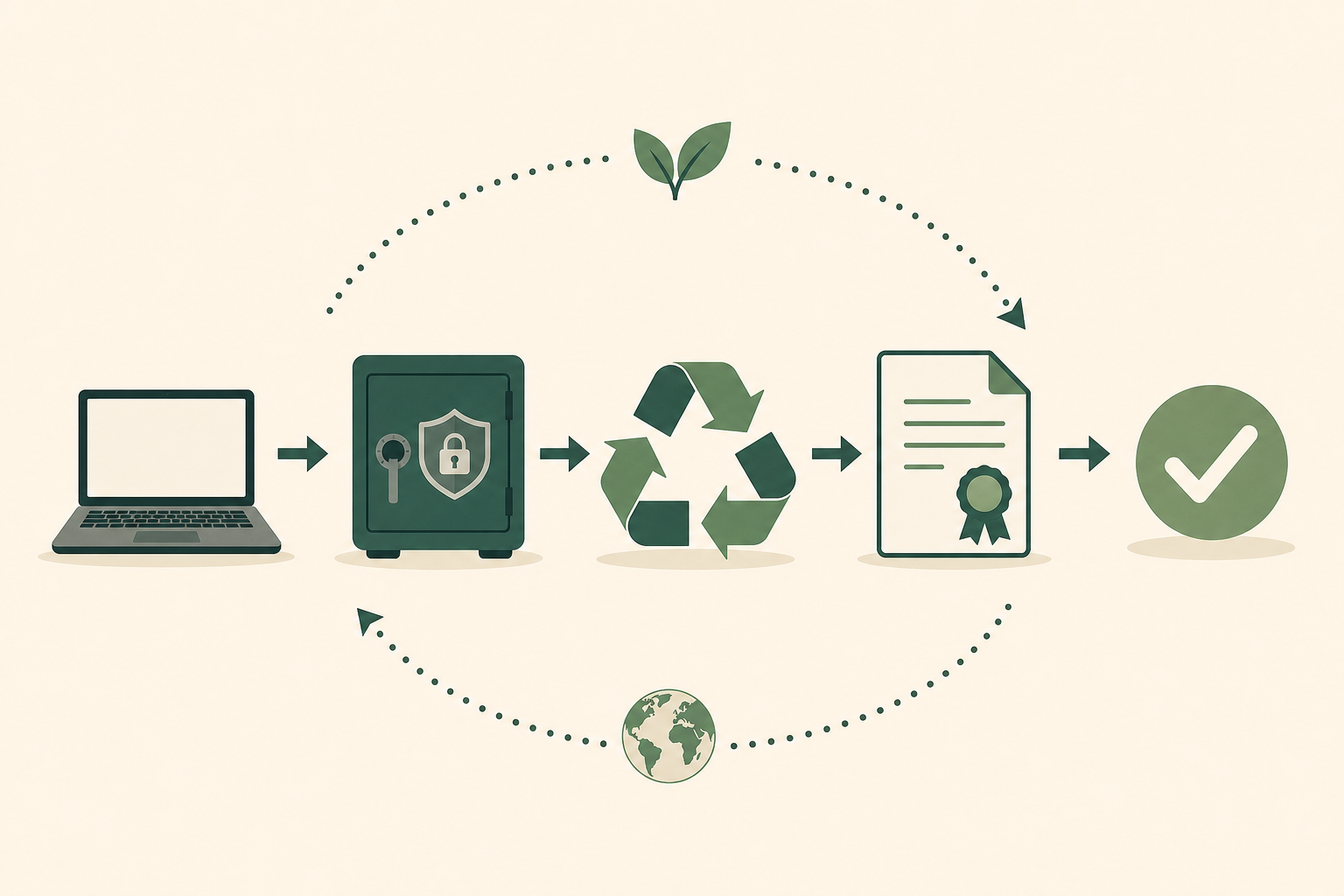
Quick Summary: What to Do With Old Monitors and Office IT
In a hurry? Here's the short version:
- Working flat-panel monitors? Sell them, redeploy them as second screens, or donate them
- Old CRT (tube) monitors? They're hazardous, recycle them properly, never bin them
- Printers and copiers? Many store data on internal drives, wipe or destroy that first
- Keyboards, mice, cables, docks? Donate if working, recycle if not
- A whole office to clear? Use a free IT collection service with data destruction and documentation
- Never: Put electronics in general waste, it's illegal under the WEEE Regulations
Every office, and plenty of homes, ends up with the same problem eventually. A corner, a cupboard or a spare desk slowly fills with retired IT. Monitors that got swapped for bigger ones. Keyboards with sticky keys. A printer nobody could get to work. Tangles of cables and a few mystery power bricks. It's the stuff that's too good to feel right about binning, but not quite good enough to keep using.
Old monitors and office IT are awkward precisely because they fall between the cracks. They're bulky, they're varied, and unlike a laptop or a phone, there's no obvious single thing to do with them. So they sit, taking up space and slowly losing whatever value they had.
Here's the good news: there's a clear, legal and usually free route for every piece of it, and some of it is worth more than you'd expect. Throwing electricals in general waste is illegal in the UK under the WEEE Regulations, but proper disposal is genuinely easy once you know how.
There's also a catch most people miss: some office equipment holds data. Modern printers, copiers and multifunction devices often contain internal hard drives that quietly store everything they've ever printed or scanned. Dealing with that is just as important as wiping a computer, which is where secure data destruction comes in.
This guide covers everything, from a single old monitor to a full office clearout, with the security and the law taken care of along the way.

Sort It First: What Have You Actually Got?
Office IT is a mixed bag, so the first job is a quick sort. Group your kit into these categories and the right action for each becomes obvious.
Working Display Equipment
- Flat-panel monitors: Often have resale or redeployment value, especially larger or higher-resolution screens.
- CRT (tube) monitors: No real resale value and classed as hazardous waste, handle with care and recycle properly.
Equipment That May Hold Data
- Printers, copiers and multifunction devices: May contain an internal hard drive, treat as a data-bearing device.
- Network equipment, docking stations with storage: Check before disposal.
Low-Value Peripherals
- Keyboards, mice, webcams, cables, headsets: Donate if working, recycle if not.
How Much Is There?
- A few items at home: Sell, donate or take to a recycling centre.
- A whole office: A free bulk IT collection is far easier, and handles data destruction and paperwork in one go.
Option 1: Sell What Has Value
Not all office IT is worth selling, but some of it genuinely is. Knowing which is which saves you wasting effort on items that belong in recycling.
Monitors Worth Selling
Modern flat-panel monitors hold value reasonably well, particularly:
- Larger screens (27 inches and up)
- Higher resolutions (1440p, 4K)
- Ultrawide and high-refresh-rate gaming monitors
- Recognised brands in good cosmetic condition
List them on eBay for postal sales, or Facebook Marketplace for local collection, monitors are awkward to post, so local pickup is often easier.
What Else Sells
- Docking stations, especially USB-C and Thunderbolt
- Quality mechanical keyboards
- Webcams and conferencing kit (still in demand for hybrid working)
- Business-grade printers that work reliably
What Usually Isn't Worth Selling
CRT monitors, old basic keyboards and mice, generic cables and ageing inkjet printers rarely justify the effort. These are better donated if working, or recycled if not.


Option 2: Donate Working Equipment
Working monitors, keyboards and peripherals are exactly what charities refurbishing computers need to build complete, usable setups. A donated monitor turns a donated PC into something a family or student can actually use.
Where to Donate
- Computers 4 Charity - Accepts monitors, peripherals and complete setups, with free collection
- WeeeCharity - Free UK collection, refurbishes or responsibly recycles whatever it can't reuse
- Local schools, community groups and charities - Often glad of working monitors and keyboards
Before You Donate
Monitors and peripherals don't store data, so they're simple to give away. But if you're donating anything data-bearing alongside them (a PC, a printer with a drive), wipe that first. Bundle matching cables and power leads so the equipment is ready to use straight away.
Option 3: Deal With the Hidden Data in Printers and Copiers
This is the step almost everyone overlooks. Office printers, copiers and multifunction devices are not just printers, many contain an internal hard drive that stores an image of every document they've printed, scanned, copied or faxed. Dispose of one carelessly and you could be handing over years of confidential paperwork. For the wider picture on why this matters, see our guide on why deleting files is not GDPR compliant.
Which Devices Are at Risk?
Generally, the bigger and more capable the device, the more likely it is to store data. Office multifunction printers and copiers, especially leased ones, very commonly have hard drives. Small home inkjets usually don't, but check the specification if you're unsure.
How to Clear the Data
- Check the device's settings menu for a built-in data clearing or "overwrite" function and run it
- For leased devices, ask the leasing company to confirm in writing how the drive is wiped on return
- For sensitive environments, remove and physically destroy the internal drive
When in Doubt, Treat It Like a Computer
If you can't confirm a printer or copier has been securely wiped, treat its drive exactly as you would a computer's. A certified provider can remove and destroy it with a certificate of destruction as proof, which matters for any business with GDPR obligations.
Option 4: Recycle the Rest Responsibly
Whatever can't be sold, redeployed or donated should be recycled properly, never binned. Monitors and office IT are rich in recoverable materials, and some of it is hazardous if mishandled.
A Special Warning on CRT Monitors
Old cathode-ray tube monitors, the heavy, deep ones, contain leaded glass and other hazardous materials. They are classed as hazardous waste and must never go in general rubbish or even ordinary recycling. Take them to a recycling centre that accepts hazardous electricals, or include them in a professional IT collection.
Flat-Panel Monitors
LCD and LED monitors are less hazardous but still contain materials worth recovering, and older backlights can contain small amounts of mercury. Recycle them through a proper channel rather than binning.
Where to Recycle
- Council recycling centres accept monitors and office IT free of charge, find yours via RecycleNow
- Retailer take-back applies under the WEEE Regulations when you buy replacement equipment
- Free IT collection is the easiest option for any quantity, see below
Option 5: Clearing a Whole Office? Use Free Collection
If you're not dealing with one or two items but a roomful, an office move, a refurbishment, a company upgrade, then a specialist IT collection is far easier than endless trips to the tip, and it solves the data and compliance side at the same time.
What a Good Service Handles for You
- Free collection of monitors, PCs, printers, peripherals and cabling, in any quantity
- Certified data destruction for any drives, including those hiding in printers and copiers
- Asset tracking and documentation, so you have a record of exactly what was collected and destroyed
- WEEE-compliant recycling, with the hazardous items handled correctly
- Resale value returned where equipment can be refurbished, offsetting your costs
Why It Matters for Businesses
For any organisation, an office clearout isn't just tidying up, it's a data-protection and environmental-compliance event. Under UK GDPR you're responsible for data until it's destroyed, and under the WEEE Regulations you're responsible for disposing of electricals correctly. A documented, certified collection protects you on both fronts. Innovent's IT recycling service offers exactly this, free UK collection, certified destruction and full documentation, for everything from a single monitor to an entire premises.
Make IT Disposal a Routine, Not a Panic
For businesses, the reason old IT piles up in a cupboard is almost always the same: there's no process for dealing with it. Equipment gets replaced, the old kit gets shoved aside "to sort out later", and later never comes. Building a simple routine removes the clutter, the risk and the last-minute scramble.
Keep a Basic Asset Record
Know what you have and what you've disposed of. Even a simple spreadsheet listing equipment, serial numbers and disposal dates makes audits painless and proves you've handled data-bearing devices properly. When kit reaches end of life, you can retire it with confidence rather than guesswork.
Separate Data-Bearing from Data-Free
Get into the habit of flagging anything that holds data the moment it's retired, computers, printers with drives, network gear, and keeping it secure until it's been wiped or destroyed. Monitors, keyboards and cables can go straight to the donate or recycle pile. This one habit prevents the most common and most costly disposal mistakes.
Schedule Collections Around Refresh Cycles
Most organisations replace IT in waves, a department at a time, or on a rolling three-to-five-year cycle. Lining up a collection to coincide with each refresh keeps old equipment moving out as new kit comes in, so nothing accumulates. A good ITAD partner will work to your schedule. For the bigger strategic picture, read our IT asset disposal best practices guide.
Capture the Value, and the Compliance
Done well, IT disposal isn't purely a cost. Equipment with resale value can offset the bill, materials are recovered rather than wasted, and you come away with documented proof of compliant data destruction and recycling. That paperwork protects you under both UK GDPR and the WEEE Regulations, turning a chore into a tidy, defensible process.
Bonus: Clever Ways to Repurpose an Old Monitor
Before you part with a working monitor, consider whether it could earn its keep at home. A spare screen is surprisingly useful.
- A second (or third) monitor for a home office, a genuine productivity boost
- A dedicated dashboard display for a home server, smart home or family calendar
- A retro gaming or media screen in a spare room
- A digital photo frame or signage display running a slideshow
- A monitor for a repurposed old PC, pairing two pieces of retired kit into one useful machine
A working monitor has years of life left, so reuse beats recycling every time it's practical.
What You Should Never Do
A few mistakes can turn a simple clearout into a legal or security problem.
Don't Put Any of It in General Waste
Monitors, printers and peripherals are all electricals, and binning them is illegal under the WEEE Regulations. CRT monitors are hazardous waste and must be handled correctly.
Don't Forget the Data in Printers and Copiers
The single biggest office disposal mistake. Always clear or destroy the internal drive of any multifunction printer or copier before it leaves the building.
Don't Skip Documentation if You're a Business
Disposing of IT without a record leaves you unable to prove compliance. Always get a certificate of destruction and a record of what was collected.
Don't Let It Pile Up
A growing heap of old IT is wasted space and, where data is involved, growing risk. Deal with it in one organised collection.
Frequently Asked Questions
What should I do with an old monitor?
If it works and is a reasonable size, sell it on eBay or Facebook Marketplace, redeploy it as a second screen, or donate it to a charity that refurbishes computers. If it's an old CRT (tube) monitor or it's broken, recycle it at a council centre or through an IT collection service (CRT collections are typically priced per job rather than free). Never put a monitor in general waste.
Do old printers and copiers store data?
Many do. Office multifunction printers and copiers often contain an internal hard drive that stores images of documents they've printed, scanned or copied. Before disposing of one, run its built-in data-clearing function, or have the drive removed and destroyed. Small home inkjets usually don't store data, but check the specification if unsure.
How do I dispose of an old CRT monitor?
CRT (tube) monitors contain leaded glass and are classed as hazardous waste, so they must never go in general rubbish. Take them to a recycling centre that accepts hazardous electricals, or include them in a professional IT collection. They have no resale value, so recycling is the only route.
Can I throw old office IT in the bin?
No. Monitors, printers, keyboards and other electricals are all covered by the UK's WEEE Regulations and must be recycled properly. Council recycling centres accept them free, and free IT collection services handle bulk quantities along with any data destruction and paperwork.
How does a business clear out a whole office of old IT?
The easiest route is a specialist IT collection service that handles everything in one visit: free collection of all equipment, certified data destruction for any drives (including those in printers), WEEE-compliant recycling, and full documentation for your records. Innovent provides this across the UK for any quantity.
Are old monitors worth any money?
Some are. Larger flat-panel monitors (27 inches and up), higher resolutions (1440p and 4K), ultrawide screens and gaming monitors hold value well. Basic small monitors and all CRT (tube) monitors have little or no resale value and are better donated or recycled. Search "sold" listings on eBay for your model to gauge its worth.
Where can I donate working monitors and keyboards?
Charities that refurbish computers welcome working monitors and peripherals to build complete setups. Try Computers 4 Charity or WeeeCharity, both offer free collection. Local schools and community groups are often grateful too. Include matching cables so the equipment is ready to use.
Do I need a certificate of destruction for office IT?
For any data-bearing equipment, yes, if you're a business. Under UK GDPR you remain responsible for personal data until it's destroyed, so a certificate of destruction is your documented proof for audits. Monitors and basic peripherals don't hold data, but printers, copiers and computers do, and those need certified destruction.
Found this guide helpful? Share it!
Help others clear out their old office IT the right way



About Innovent Recycling
Innovent Recycling is a UK-based specialist in secure IT asset disposal and recycling. With ISO 27001 certification and Environment Agency T11 exemption, we provide comprehensive, compliant recycling solutions for businesses and individuals across the United Kingdom.
Our services include:
- Computer & IT Recycling - Secure, compliant disposal of all IT assets
- Certified Data Destruction - HMG Infosec Standard 5 compliant wiping and shredding
- WEEE Compliance Management - Full regulatory compliance and documentation
- Nationwide Collections - Free collection service available UK-wide
Trusted by businesses across the UK for secure, compliant IT disposal. View our accreditations and certifications.
Clearing Out Old Office IT?
Free UK collection for monitors, PCs, printers and peripherals, with certified data destruction and full documentation.
Or call us on 0151 355 5482