
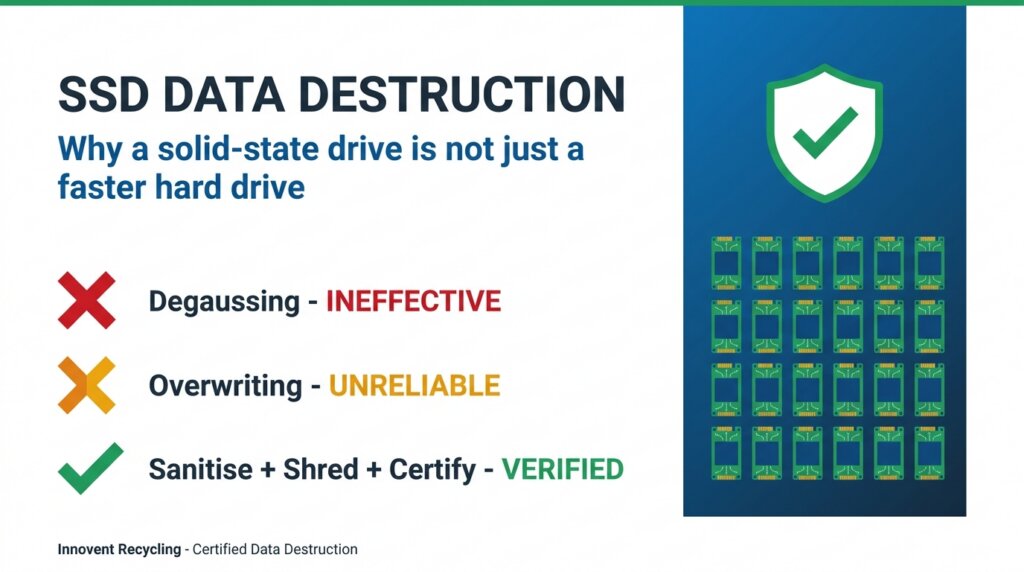
SSD Data Destruction: Why a Solid-State Drive Isn't Just a Faster Hard Drive
The methods that reliably destroy data on a spinning hard drive can leave a solid-state drive readable. Here's how SSD data destruction actually works, and how UK businesses retire flash storage without a breach.
- Why degaussing does nothing to an SSD
- Why overwriting can't reach every memory cell
- What shredding an SSD properly requires
- The UK standards your auditors expect to see
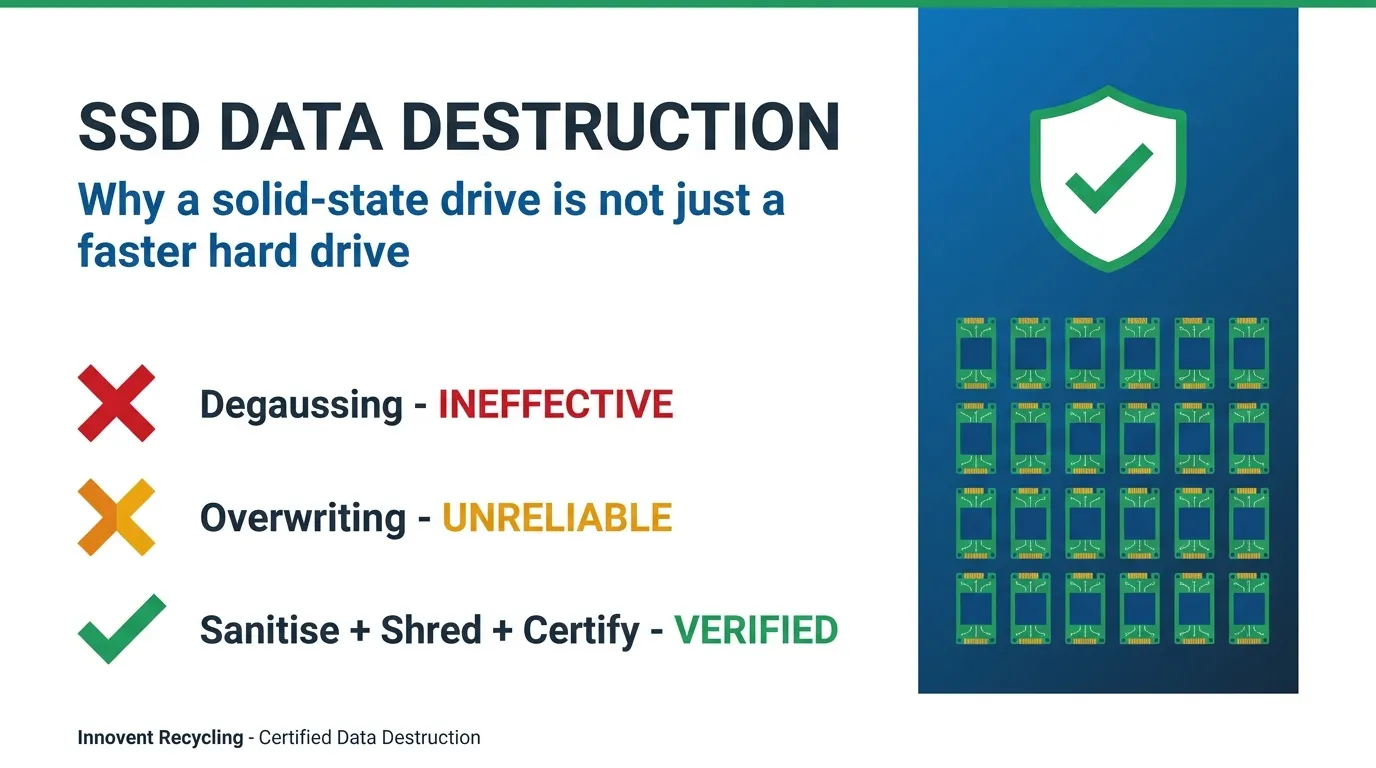
Quick Summary: SSD Data Destruction in Plain Terms
Short on time? Here's what every IT or compliance lead needs to know about SSD data destruction:
- Degaussing is useless on SSDs. Flash memory holds no magnetic charge, so a degausser destroys a hard drive but leaves an SSD fully intact.
- Overwriting is unreliable. Wear-levelling and over-provisioning hide data in cells the operating system can't address.
- Use the right tools: a manufacturer or firmware-level Sanitize / Secure Erase command, or crypto-erase on a self-encrypting drive.
- Shredding works only if fine enough. SSDs must be reduced to particles small enough that a single intact memory chip can't survive.
- Evidence matters. For business assets you need a serial-numbered certificate and an audit trail, not just a "we wiped it".
- When in doubt, destroy and certify. For sensitive data, verified physical destruction to a recognised standard is the safe default.
For most of the last twenty years, secure data destruction meant one of two things: overwrite the disk, or put it through a degausser and a shredder. That playbook was written for the spinning hard drive, and it worked. The trouble is that the drives leaving your business today are mostly not hard drives at all. They are solid-state drives, and SSD data destruction follows completely different rules.
This matters because the failure is silent. A degausser that has reliably killed hard drives for a decade will pass an SSD through untouched, and nobody in the room will know. The drive looks destroyed. The data is still there. For any UK organisation that has to answer to the ICO, an auditor or its own customers, that gap between "looks done" and "is done" is exactly where breaches live.
This guide explains why solid-state storage behaves so differently, what genuinely works for SSD data destruction, and what proof your business should insist on before any drive leaves the building. If you'd rather hand the whole job to a specialist, Innovent's certified data destruction service handles SSDs to a recognised standard with documented evidence per asset.
First, Why an SSD Is Not a Hard Drive
To understand SSD data destruction you have to understand how a solid-state drive holds information in the first place, because that single difference is what breaks the old methods.
No moving parts, no magnetism
A traditional hard drive records data as magnetic charges on spinning platters. A solid-state drive has no platters and no magnets. It stores data as trapped electrical charge inside billions of NAND flash memory cells. There is nothing magnetic to disturb, which is the root reason the magnetic methods we trusted for hard drives simply do not apply.
The controller hides the real layout
On a hard drive, the address your operating system sees maps closely to a physical spot on the platter. On an SSD, a controller chip sits in between, constantly shuffling data to spread wear evenly across cells. The "drive" your computer talks to is a logical illusion. You can overwrite every address the operating system can see and still leave older copies of your data sitting in cells the controller has quietly retired.
Spare capacity you can't address
Every SSD ships with more flash than it advertises, a reserve called over-provisioning. The drive uses it for performance and wear management, and ordinary software cannot reach it. Sensitive data can persist in that hidden reserve long after you believe the drive is clean. This is why SSD data destruction cannot be treated as a faster version of wiping a hard drive.
The Methods That Fail on a Solid-State Drive
Three techniques that businesses still rely on either do nothing to an SSD or do it unreliably. Knowing why is the difference between a compliant disposal and a false sense of security.
Degaussing: completely ineffective
A degausser generates an intense magnetic field that scrambles the magnetic charges on a hard drive, rendering it unreadable and usually unusable. Because an SSD stores nothing magnetically, that field passes straight through it with no effect on the data whatsoever. A degaussed SSD is an SSD you can plug in and read. If your data destruction process leans on degaussing, every solid-state drive it has handled is a potential exposure.
Software overwriting: unreliable
Overwriting every sector with new data is a sound method for hard drives, which is why tools that do this have long been trusted. On an SSD, wear-levelling and over-provisioning mean the overwrite never touches some of the cells holding your old data. The result is partial at best and unverifiable at worst, which is also why traditional multi-pass overwriting is the wrong tool here. Our guide to data destruction versus data erasure explains where each method genuinely belongs.
A quick format or "delete": no protection at all
This one is true of any drive, but worth restating. Deleting files or formatting an SSD removes the signposts, not the data. The cells still hold their charge until they are properly erased or destroyed. For a business handling personal data this is also a compliance trap, as deleting files is not GDPR compliant on its own.
What Actually Works for SSD Data Destruction
There are three methods that reliably retire a solid-state drive. The right one depends on the sensitivity of the data and whether the drive will be reused or destroyed.
1. Firmware-level Sanitize and Secure Erase
Modern SSDs support built-in commands, ATA Secure Erase and the newer NVMe and ATA Sanitize, that instruct the drive's own controller to clear every block, including the hidden over-provisioned area that software cannot reach. Because the controller is the only thing that knows the true physical layout, letting it do the erasure is the only way to be sure every cell is addressed. Done and verified correctly, this is the gold standard for any SSD that will be reused or resold.
2. Cryptographic erase on a self-encrypting drive
Many business SSDs are self-encrypting, holding all data encrypted with a key stored on the drive. A cryptographic erase destroys that key, instantly rendering every byte unreadable. It is fast and effective, but only as trustworthy as the encryption behind it, so it should be used on drives you know were properly encrypted from first use, and ideally combined with a Sanitize command for assurance.
3. Physical destruction, done to the right standard
For the most sensitive data, or where an organisation simply wants the certainty of a destroyed drive, physical destruction remains the strongest option. The crucial caveat is particle size. A hard drive can be cut into a handful of pieces and be unrecoverable, but an SSD's data lives in tiny memory chips, and a single intact chip can be read. Effective SSD shredding therefore reduces the drive to particles small enough that no chip survives whole, which is far finer than hard-drive shredding. Our breakdown of shredding versus wiping covers how to choose between them.
The Standards UK Businesses Are Expected to Meet
For a business, choosing a method is only half the job. The other half is proving you used it. SSD data destruction has to be defensible, which means working to a recognised standard and keeping the evidence.
HMG Infosec Standard 5 and NCSC guidance
UK organisations handling sensitive or regulated data are typically expected to destroy media to a recognised government benchmark. HMG Infosec Standard 5 is the long-standing reference for secure sanitisation and destruction, and the NCSC's data sanitisation guidance sets out how to handle different media types, including flash storage, according to the assurance you need. Both recognise that solid-state media demands its own approach.
UK GDPR keeps you responsible until the data is gone
Under UK GDPR you remain the data controller for personal information right up to the moment it is destroyed. If an SSD leaves your premises with recoverable data on it, that is your breach, not your disposal contractor's. The ICO's security guidance makes secure disposal an explicit part of the security duty, not an optional extra.
The evidence: a certificate per asset
Whatever method you use, the proof is a serial-numbered certificate of data destruction tied to each individual drive, backed by an auditable chain of custody. "We wiped them" is not evidence. A certificate naming the asset, the method and the standard is. That is what turns a disposal into something you can put in front of an auditor or a regulator with confidence.
A Practical SSD Data Destruction Checklist
If your organisation is retiring laptops, servers or any kit with flash storage, work through this:
- Identify the media type. Don't assume. Plenty of "hard drive" disposal processes are quietly handling SSDs and NVMe drives.
- Retire the magnetic playbook for flash. Degaussing and simple overwriting do not belong in an SSD process.
- Choose by sensitivity. Sanitize or crypto-erase for drives being reused; verified physical destruction for the most sensitive data.
- Work to a named standard. HMG IS5 or current NCSC guidance, not an undefined "secure wipe".
- Demand evidence per asset. A serial-numbered certificate and a chain of custody for every drive.
- Don't forget reuse. A correctly sanitised SSD can be safely reused, which is the lower-carbon outcome. Destruction should be the choice for data you can't risk, not the default for everything.
If that feels like a lot to own in-house, it is exactly the job a certified partner exists to take off your plate, with the documentation built in.
Frequently Asked Questions
Does degaussing destroy data on an SSD?
No. Degaussing destroys data by disrupting magnetic fields, and a solid-state drive stores nothing magnetically. The degausser's field passes through an SSD with no effect, leaving the data fully readable. Degaussing is effective only on magnetic media such as traditional hard drives and tapes.
Why isn't overwriting enough to wipe an SSD?
Because of wear-levelling and over-provisioning. An SSD controller spreads data across cells and keeps spare capacity that software cannot address, so an overwrite never reaches some of the cells holding your old data. The reliable alternatives are a firmware-level Sanitize or Secure Erase command, a cryptographic erase, or verified physical destruction.
How do you physically destroy an SSD properly?
An SSD must be shredded to a much finer particle size than a hard drive, because its data sits in small memory chips and a single intact chip can be read. Effective SSD data destruction reduces the drive to particles small enough that no chip survives whole, which standard hard-drive shredders are not designed to achieve.
What standard should SSD data destruction meet in the UK?
UK organisations handling sensitive data typically work to HMG Infosec Standard 5 and current NCSC sanitisation guidance, which set out appropriate methods for flash media by the level of assurance required. Whatever the method, you should receive a serial-numbered certificate of destruction and an auditable chain of custody for each drive.
Can a securely erased SSD be reused safely?
Yes. A solid-state drive that has been correctly sanitised with a firmware-level Secure Erase or cryptographic erase, and verified, can be safely reused or resold. Reuse is the lower-carbon outcome, so destruction should be reserved for data too sensitive to risk rather than applied to every drive by default.
Who is responsible if data is recovered from a disposed SSD?
Under UK GDPR you remain the data controller until the data is destroyed, so recoverable data on a disposed drive is your breach to answer for. That is why businesses use certified data destruction with documented evidence per asset, giving you proof that each SSD was destroyed to a recognised standard.
About Innovent Recycling
Innovent Recycling is a UK-based specialist in secure IT asset disposal and recycling. With ISO 27001 certification and Environment Agency T11 exemption, we destroy hard drives and SSDs to a recognised standard and recycle the materials responsibly for businesses across the United Kingdom.
Our services include:
- Certified Data Destruction - HMG Infosec Standard 5 compliant erasure and shredding for HDDs and SSDs
- Computer & IT Recycling - Secure, compliant disposal of all IT assets
- WEEE Compliance Management - Full regulatory compliance and documentation
- Nationwide Collections - Free collection service available UK-wide
Trusted by businesses across the UK for secure, compliant IT disposal. View our accreditations and certifications.
Need Certified SSD Destruction?
Have us securely destroy your old SSDs and hard drives to HMG Infosec Standard 5, with a certificate of destruction per asset and free UK collection.
Or call us on 0151 355 5482